Your handwriting,
one link away.
A native Mac reader for your reMarkable cloud. Notebooks, PDFs and EPUBs with your ink on them, live while you write, and a link to every page.
Remora, the fish that rides along on something bigger.
Why I built it
Most of my thinking happens on the tablet: meeting notes, sketches, the margins of whatever I'm reading. My other notes live on the Mac, and I wanted the two to meet.
So Remora gives every page an address. Copy a link to page 3 of yesterday's meeting, paste it into a note, and a click later the page is in front of you, with whatever you've added since.
A link to every page
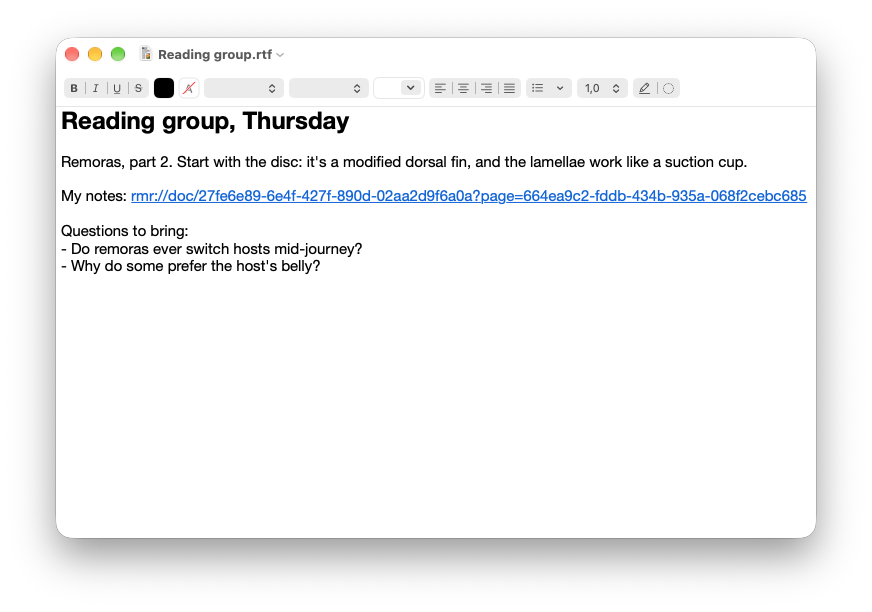
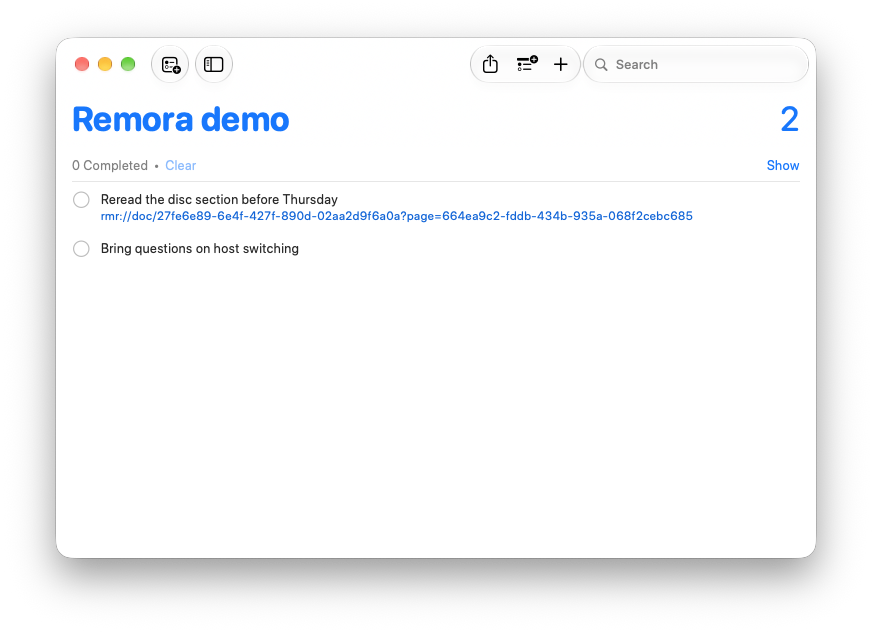
Every document, folder and page has a stable rmr:// link. Copy Link to Page (⌘L) or Copy as Markdown Link, and paste it into Obsidian, Bear, a calendar invite or a to-do. Clicking it opens Remora at that page, or scrolls the window that's already open.
[Design review p.3](rmr://doc/6f2c…?page=a91e…)Links name no account and no title, so they keep working when you rename or move things.
Live while you write
An open notebook redraws as the tablet syncs: only the pages that changed, without losing your place or zoom. If the edit happened on a page you can't see, Remora offers to jump to it.
Everything on the tablet
Notebooks
Your ink, coloured and pressure-sensitive, on its lined, grid or dotted template.
PDFs and EPUBs
Ink and highlights over the page, where you put them. Links in a PDF and an EPUB's table of contents work.
The library
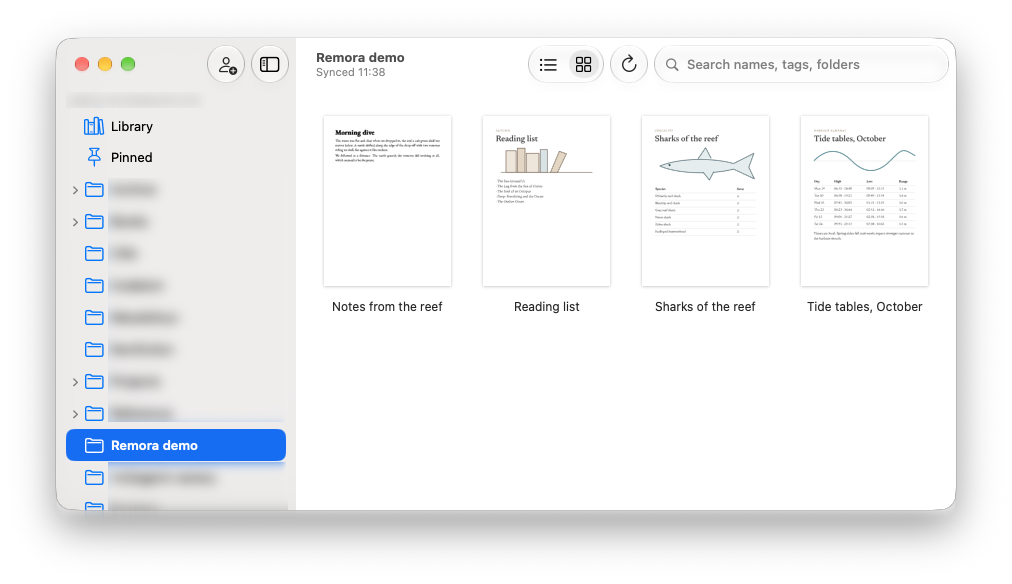
Folders, pinned items and search across names, tags and folder paths. Several accounts side by side.
Fast, and offline
Remora opens from its cache, then syncs. What it has seen before is there without a connection.
Your notes stay yours
Only reMarkable's cloud
Remora talks to reMarkable's cloud and nothing else. No server of mine, no account, no analytics.
The key stays in Keychain
You pair it once with a code from my.remarkable.com. The device token lives in your Mac's Keychain, the cache in your Caches folder.
Your ink is never touched
Remora reads your notebooks. It never edits what you've written.
Install
With Homebrew:
brew install --cask openparen/tap/remoraOr download the DMG from the latest release, open it and drag Remora into Applications. It's signed and notarized.
On first launch Remora asks for a one-time code from my.remarkable.com, and then shows up in your account as a desktop app.
Needs macOS 26 or later and a reMarkable account with cloud sync (Connect). Remora uses reMarkable's cloud the way their own apps do, without an official API, so a change on their side can break it until it's fixed here.
Open source
Remora is MIT-licensed and written in Swift. The code, issues and releases are on GitHub. Bug reports are very welcome, especially from accounts and tablets that aren't mine.